Interactive camera exhibit
One rule.
Two runtimes.
Change a camera kit and see how one catalog rule guides a TypeScript storefront and checks the same order in C#.
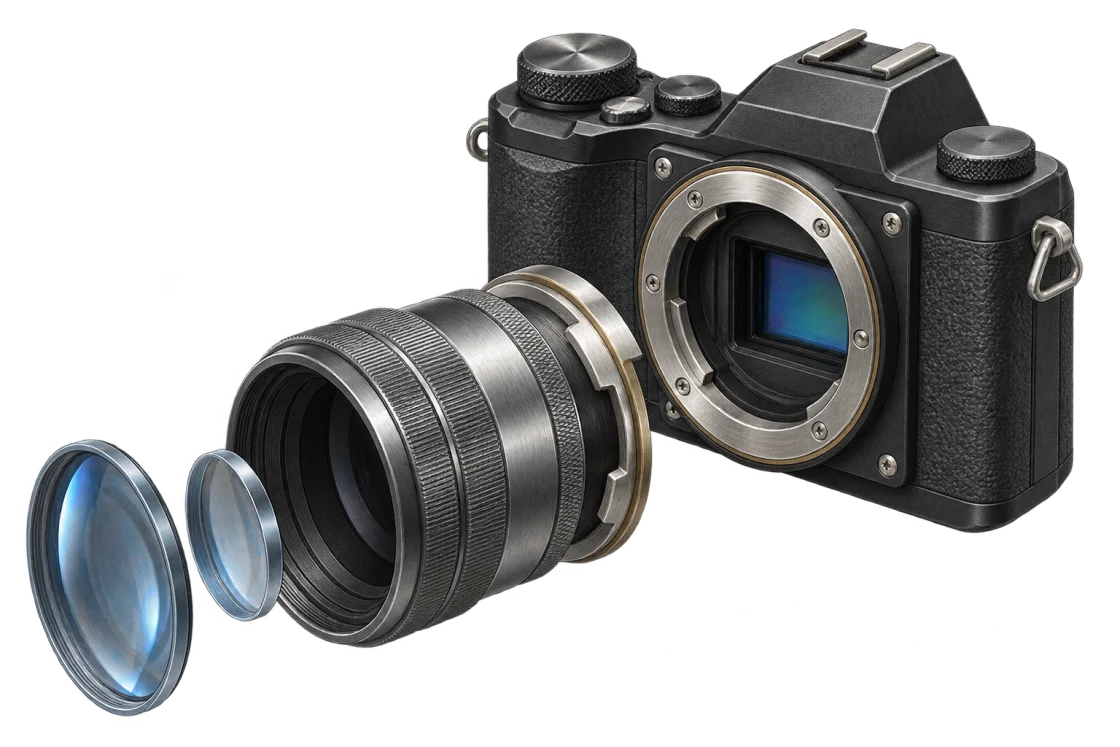
Configure the kit
Start with the recorder attached. Switch catalog revisions to see the one kit whose result changed.
Recorded result
Catalog v2Kit blocked
- Catalog v2 requires a Studio body for the recorder. Trace this rule
The TypeScript storefront and C# order check agree.
Trace a rule
Follow the same requirement from its line in the catalog to the code that runs on each side of the order.
One graph supplies the rule rows. A fixed evaluator in each target checks the selected kit.
"id": "recorder-requires-external-battery", "trigger": { "groupId": "recorder-option", "optionId": "recorder" }, "requires": [ { "groupId": "power", "optionId": "external-battery" }, { "groupId": "body", "optionId": "studio-body" }Inspect the 64 recorded checks
Two native targets each evaluated 16 kits against both catalog revisions. 6 kits pass v1. 5 kits pass v2. The C# consumer-specific adapter is 1 file and 59 lines.
Add .txt to C# paths from the artifact index to open them here.
How the rule reaches both runtimes
- Catalog graph
The catalog defines the options and supplies each rule row.
- Generated code
The engine supplies the option and rule types, naming, imports and files.
- Native evaluators
A fixed evaluator uses the generated rows in each target to check the kit.